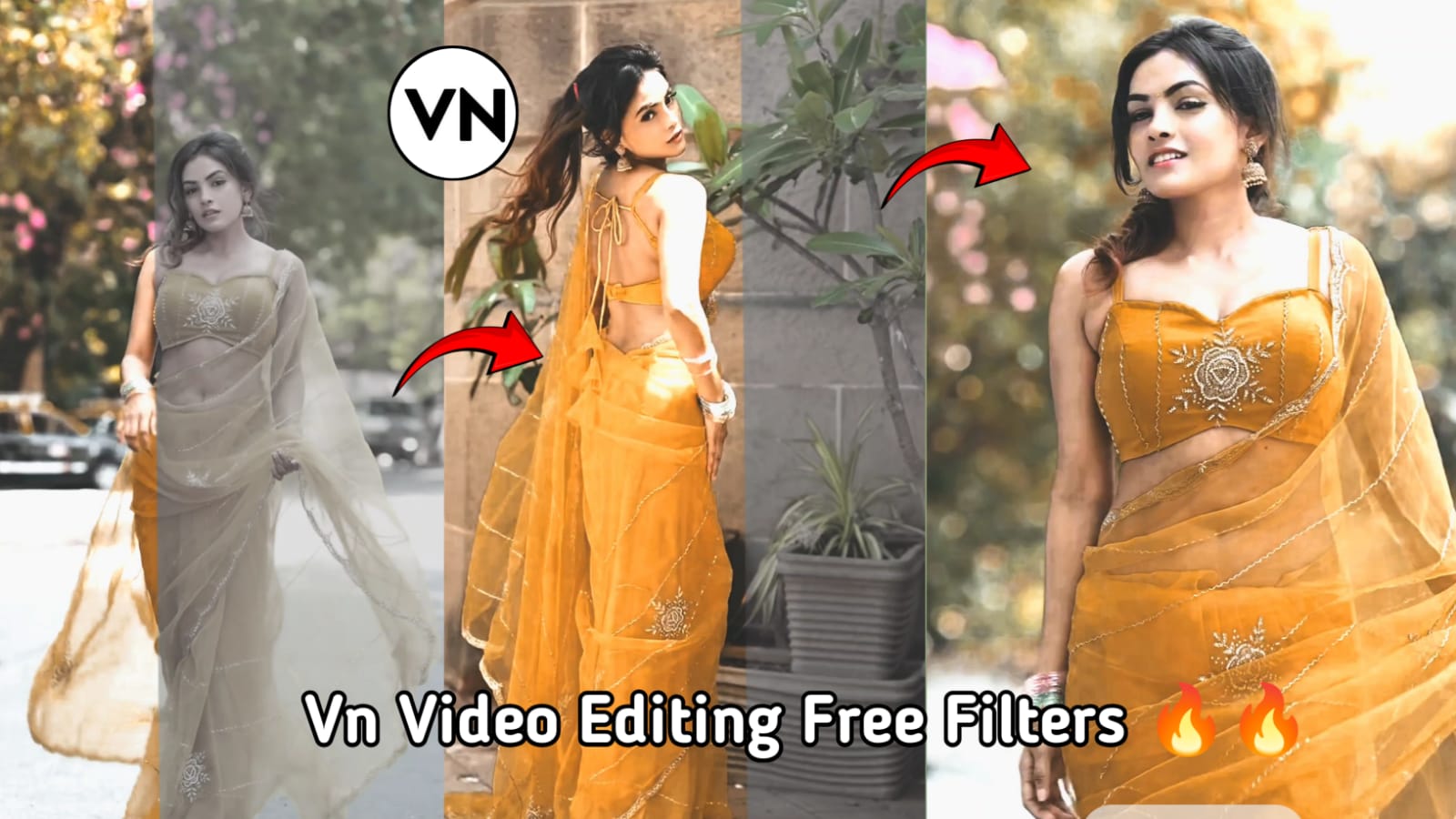
VN Video Editing Tricks 2026: How to Use Free VN Dark Filters Like a Pro
Video editing continues to evolve in 2026, and VN Video Editor remains one of the most popular free editing apps for creators on Android, iPhone, and PC. One trend that never goes out of style is the cinematic dark filter look. Whether you’re creating Instagram Reels, YouTube Shorts, travel videos, or attitude edits, dark filters can instantly make your content look more professional and eye-catching.
In this guide, you’ll learn how to use free VN dark filters and some powerful editing tricks to create stunning videos without spending money on premium presets.
Why Dark Filters Are Popular in 2026
Dark filters help create a cinematic and dramatic mood. They reduce harsh brightness, enhance shadows, and make colors appear richer. Many creators use dark filters because they:
- Make videos look premium
- Improve visual consistency
- Highlight the subject better
- Create a professional cinematic feel
- Increase viewer engagement on social media
The best part is that VN Video Editor offers all the tools needed to achieve this look for free.
How to Apply a Dark Filter in VN Video Editor
First, import your video into VN Editor and place it on the timeline. Follow these simple steps:
- Tap on your video clip.
- Open the Filter section.
- Browse through cinematic, movie, and dark-style filters.
- Select a filter that matches your video’s mood.
- Reduce filter intensity to around 50–80% for a natural appearance.
Avoid using filters at full strength because they can make footage look unnatural and overly edited.
Advanced VN Dark Filter Tricks
1. Lower Highlights
Go to the Adjust menu and reduce Highlights. This helps recover bright areas and gives your video a smoother cinematic look.
2. Increase Contrast
A slight contrast boost can add depth and make subjects stand out from the background.
3. Reduce Saturation Slightly
Many professional editors reduce saturation by 5–15% to create a clean and modern aesthetic.
4. Add Fade
Using a small amount of fade softens shadows and creates a film-like appearance.
5. Enhance Sharpening Carefully
A little sharpening can improve details, but too much may introduce unwanted noise.
Best Content Types for VN Dark Filters
Dark filters work especially well for:
- Bike and car edits
- Travel videos
- Portrait videos
- Rainy-day cinematics
- Street photography reels
- Fashion content
- Slow-motion edits
Combining dark filters with smooth transitions and cinematic music can dramatically improve the final result.
Common Mistakes to Avoid
Many beginners make videos too dark. Remember that a cinematic edit should still be clear and easy to watch. Avoid crushing shadows completely and always check your video on different devices before publishing.
Another mistake is stacking multiple heavy filters together. Instead, use one filter and fine-tune the settings manually for better results.
Download VN editor app — click here for Android
Download VN editor app — click here for iPhone ( iOS)
Final Thoughts
VN Video Editor remains one of the best free editing apps in 2026. By mastering dark filters, adjusting highlights, balancing contrast, and using subtle color grading, you can create professional-quality videos directly from your smartphone. Practice these techniques regularly, experiment with different footage, and develop your own signature editing style. With the right approach, free VN dark filters can transform ordinary clips into cinematic masterpieces that stand out on every social media platform.